Standards Online linking

Create a link to an Australian Standard

These instructions are for creating a link using Chrome or Firefox.

1. Conduct a search in Standards Online.

2. Locate the standard you want to link to and click the title.
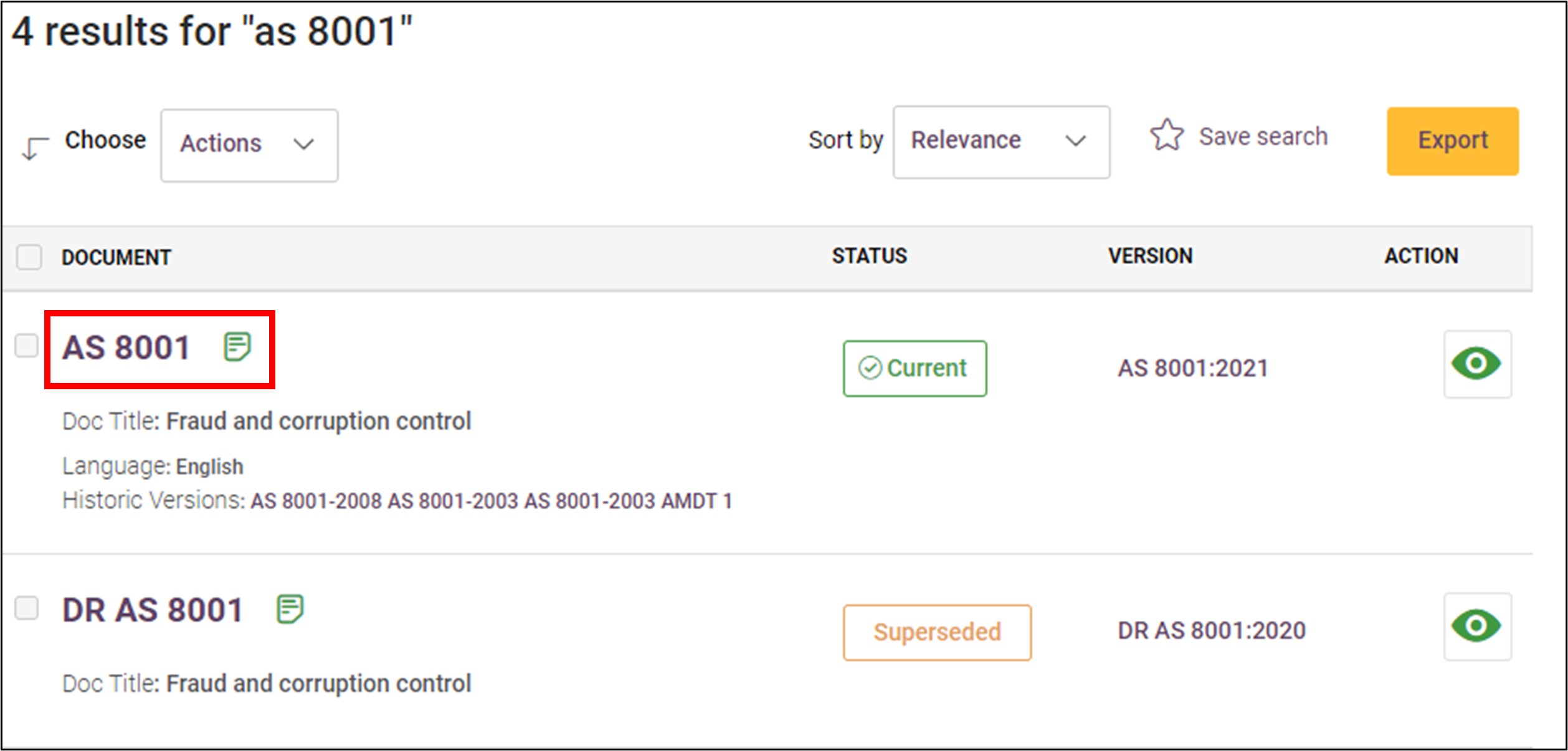
Screen grab showing search results with an example standard highlighted in red


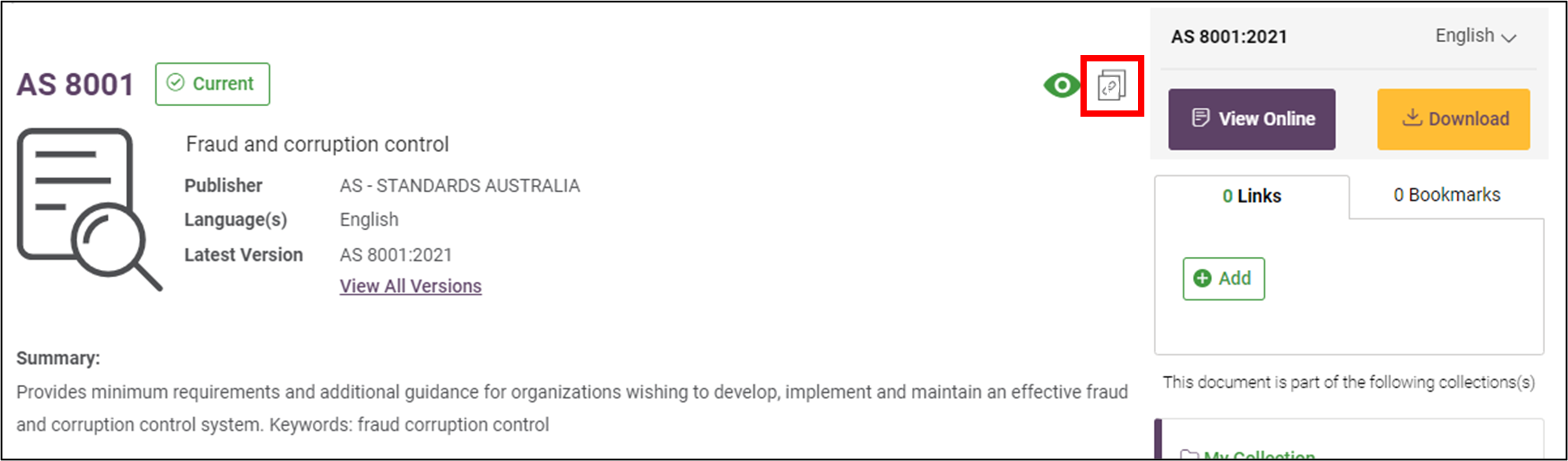
3. Click on the Permalink icon.
Screen capture highlighting the 'Permalink' icon to the right of the main content area


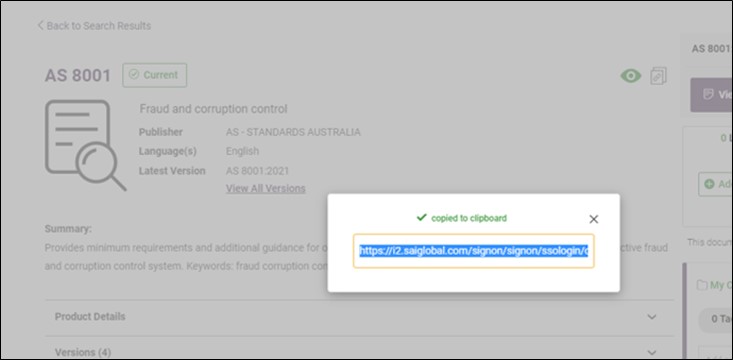
4. Link is now copied to clipboard and can then be pasted into document or webpage.Screen capture showing the modal with a status message the link has been copied